


The cookie world of 2026 isn’t a cataclysmic event but rather a chaotic, evolving landscape that marketers must constantly adapt to. Browsers are steering users in various ways, compelling teams to reevaluate fundamental tracking methods. Much of this breakage is driven by browser-level changes from Google, particularly in Google Chrome, as well as stricter tracking restrictions in browsers like Safari and Firefox.
Chrome’s recent move to keep third-party cookies, using user prompts, stands in stark contrast to Safari’s decade of Intelligent Tracking Prevention. Safari, for years, has limited tracking windows to a week or less. Currently, Chrome commands roughly 65% of the global user base. It plans to implement choice screens designed to increase opt-ins for sites it deems trustworthy. In contrast, Safari’s Intelligent Tracking Prevention keeps eliminating cross-site identifiers. This affects as much as 25% of iOS traffic, with a particularly pronounced impact on valuable, repeat users.
In simple terms, the future of cookies isn’t a sudden, catastrophic event but rather a continuous, chaotic process. Different browsers are taking users in various directions, making it necessary for marketing teams to reconsider how they track user data. Chrome is asking users for their permission to track, while Safari is limiting how long tracking can occur. This affects a significant portion of web traffic and has a major impact on repeat users who are valuable to businesses.
Table of Contents
- Introduction
- What is it that actually breaks in analytics?
- First-Party Cookies Under Pressure
- What Stays Relatively Reliable
- Technical Adaptations Beyond the Browser
- Browser-Specific Realities You Must Plan For
- A Practical Measurement Framework for 2026 and Beyond
From “cookie apocalypse” to permanent fragmentation
Google Chrome’s user-choice model lets people decide on third-party cookies, keeping some tracking alive if they opt in, while Safari enforces strict limits through Intelligent Tracking Prevention (ITP). This creates a split reality: Google Chrome offers flexibility with Privacy Sandbox as a backup, but Safari aggressively blocks cross-site signals, leading to permanent data gaps across user bases. Marketers now plan for this browser divide rather than a total shutdown.
Why do first-party vs. third-party cookies matter now?
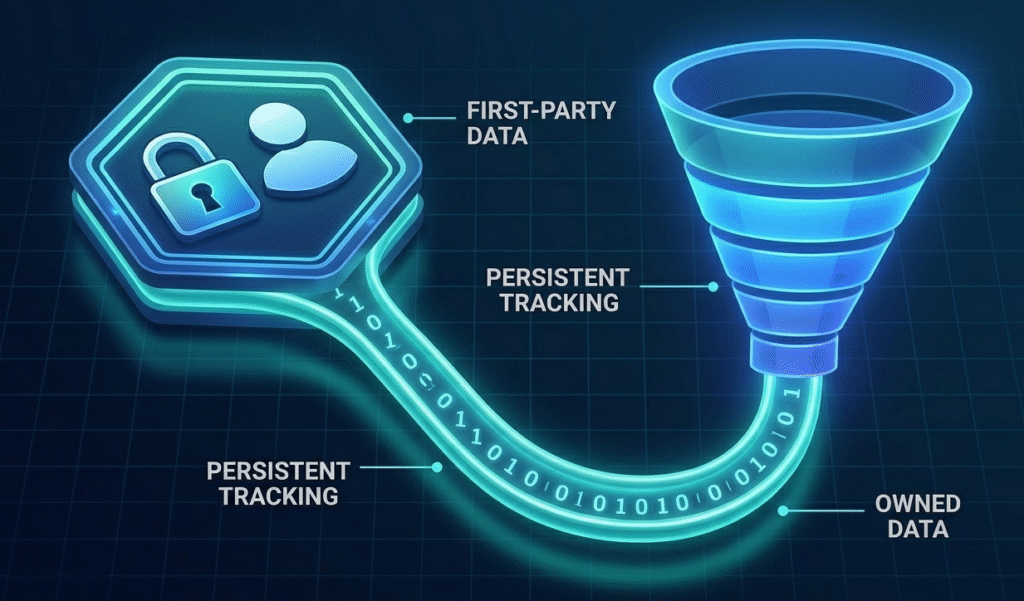
First-party cookies, set by your own site, deliver cleaner data and are less prone to browser blocks. These cookies are commonly used by tools like Google Analytics to track on-site user behavior and improve user experience. While third-party ones, on the other hand, are from ad networks that suffer from low consent rates and distortions.
Global consent trends reveal a growing aversion to third-party tracking. This has made the data skew toward frequent visitors and introduced bias into analytics reports. It is no longer sufficient to simply meet compliance requirements. This simply means the reliance on third-party data, with its inherent flaws, is leading to misguided optimization choices.
Silent data loss and misattribution
Even when “tracking works,” silent losses happen as ITP purges identifiers, which ends up causing misattribution where sessions appear direct or unassigned. This risk persists across browsers, which erodes trust in metrics like conversions without obvious failures. Teams tend to feel it most in attribution reports, where real journeys vanish quietly.
What is it that actually breaks in analytics?
Browser restrictions and privacy shifts are quietly dismantling key analytics pillars. This is what turns reliable reports into guesswork for many teams. Below is a stepwise description that crumbles in real-world setups.
The authentication gap
Cross-site attribution falters without logins, as Safari’s ITP blocks persistent identifiers for anonymous users. This limits reliable tracking to authenticated sessions only. If you are a guest, this gap widens for your checkouts or casual browsers. A journey that fragments across sites without a user ID backbone. Even Chrome’s choices can’t fully bridge it for non-logged-in traffic.
Remarketing audience decay
Restrictions on cookies, device IDs, and third-party signals shrink remarketing lists. This makes them unstable, as Safari and Firefox purge data aggressively. There is a 20-50% drop of audience in privacy browsers, and it hits retargeting ads hardest for websites or apps with low-engagement funnels. Chrome users may retain more, but overall decay forces broader and less precise targeting.
The modern “Direct / (not set)” spike
Broken client-side tagging drops source/medium details into GA4, and because of this, the broken setting makes it worse by blocking the UTM parameters mid-journey. Server-side gaps exacerbate this and spike “Direct/(not set)” to 30-40% in affected traffic without any proper fixes. It’s a symptom of fragmented signals, not just bad links.
Model limitations instead of model failure
GA4’s modeled conversions lag 24-48 hours and falter on low-volume sites. Because of this, rare events are getting ignored, and relying on patterns from high-traffic peers is increasing. For niche setups, this means unreliable lifts in attribution paths, especially post-cookie purges. High-volume brands see steadier modeling, but others chase ghosts.
First-Party Cookies Under Pressure
Because of browsers like Safari that chip away at their lifespan and reliability, even your own site’s cookies aren’t the safe haven they once were. This pressure hits attribution and user understanding the hardest.
Safari’s 7-day and 24-hour limits
Safari’s ITP now limits first-party cookies to 7 days for storage and 24 hours for cross-site access. This slashes lookback windows for LTV calculations and multi-touch attribution. If you are a frequent visitor, it resets the clock, but only a single visit will make you lose persistence fast, and this in turn distorts long-term metrics. Chrome treats them more leniently, but the split creates inconsistent data.
Returning vs. new users
Privacy browsers repeatedly classify returning users as “new” by purging identifiers, inflating acquisition costs, and undercounting loyalty signals. This happens most with anonymous traffic, where ITP resets sessions after short periods. And because of this, teams end up over-investing in “new” user acquisition that’s actually retention.
Cross-device identity gaps
Cookies tied to single browsers or devices are failing to stitch journeys across apps, mobile Safari, and desktop Chrome. Without any user IDs or logins, high-value paths will fragment. And this in turn will miss out on up to 30-50% of cross-device conversions. Privacy rules will end up widening this gap further.
Consent and opt-out dynamics
Rising global opt-outs that are projected to be at 60% by mid-2026 will skew the data toward consenting users. These are the people who behave differently from the rest of the population. Non-representative samples bias models toward power users, ignoring casual behaviors. Consent UX will shape your analytics reality more than ever.
What Stays (Relatively) Reliable
Even when everything feels messy, the most important thing is if you focus on what is already yours—like logins and direct customer data. These are the foundations that will keep your analytics useful for most sites.
On-site behavior signals
Let’s say a user is on your website; all their actions, like scrolling, clicking, or moving between pages, get captured smoothly. Even if other sites are blocked, you get this information. With this you get a clear picture of how they’re using your site, without any privacy issues getting in the way. These are the go-to metrics that keep your site on track.
Deterministic first-party identifiers
When a user logs in with their email or customer ID, a super reliable connection is created for you to track them over time, even if cookies fail. This tie helps you connect all their data together across sessions, which helps you analyze trends and groups accurately. This simply means if you want the best data, make logging in a priority.
Hashed identifiers and conversion APIs
Tools like Google’s Enhanced Conversions and Meta’s CAPI send encrypted data directly from servers. This connects clicks to actual sales, even when the browsers block tracking. Through this 20-40% of data is recovered that would’ve been lost, keeping your ad performance steady and reliable. You mustn’t ignore these if you are in marketing.
Modeled and aggregated data
GA4 modeling works great for busy, high-traffic sites, filling in missing data by guessing what’s missing based on general trends. It is not useful for smaller sites, but it can still give you a decent idea of what’s going on. Just keep the big picture in mind, not the nitty-gritty details.
Technical Adaptations Beyond the Browser
All the clever teams are moving away from unreliable client-side tracking and moving everything to their own servers. They are in control this way, no matter how much the rules change. It is a smart way to future-proof their analytics without relying on browsers for permission.
Server-side tagging as a default, not an experiment
Switching to server-side tagging lets you route data through your own setup, avoiding blocks and those annoying consent pop-ups. It grabs all the UTMs smoothly, slashing that confusing “Direct/(not set)” data by at least 50% or more. You can think of it as your new standard—client-side tracking is now the backup plan.
End-to-end conversions APIs
CAPI for Meta and Google’s server-side events pipes conversions directly to ad platforms, bypassing browser purges entirely. This restores optimization loops, matching 80-90% of lost revenue attribution in tests. It’s non-negotiable for paid media health.
Identity strategy design
Blend cookies, user IDs, and hashed PII (like emails) into a unified map that spans devices and sessions privacy-safely. Stochastic gaps shrink to 10-20% with this hybrid approach. Start mapping yours today.
Privacy-centric configuration
Embed consent mode, DPDP compliance, and minimal data collection from the tagging setup, turning regulations into data advantages. This is what global trends are favoring; it helps you avoid fines while also building up your own customer data. It is way better to take action now than to scramble later.
Browser-Specific Realities You Must Plan For
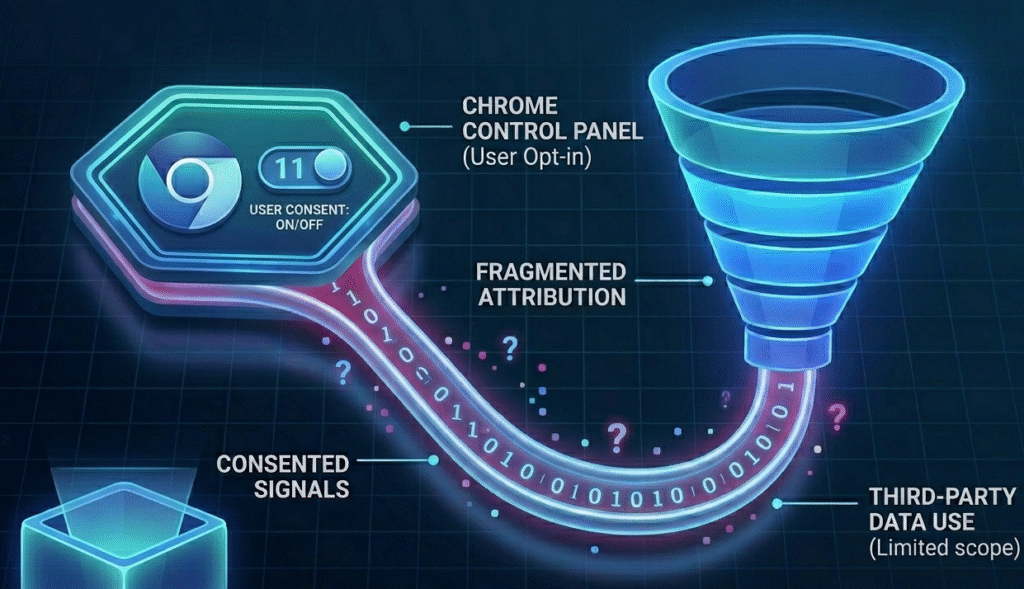
The browsers are now all over the place with their rules, so it is smart to break down your analytics by browser. You can spot any weird patterns or issues this way before they mess up your plans. A simple trick that will keep your strategies sharp.
Safari/WebKit: enduring ITP restrictions
Safari’s Intelligent Tracking Prevention deletes first-party data after 7 days and cross-site links after 24 hours. So, it is super hard to follow what high-value repeat users do over time. This hits iOS traffic (20-25% globally) the hardest, throwing off the lifetime value (LTV) metric by 30-50% unless users log in. Hence, focus on using server-side tracking for iOS traffic.
Chrome: third-party cookies kept with user choice
Chrome lets users choose whether they want to keep third-party cookies, and about 40-60% of people opt in for brands. This, plus some privacy tools from Google’s Privacy Sandbox, covers around 65% of users. But this also means that within some time people might get tired of making choices, and the data quality can vary as well. However, it’s worth using the Sandbox to get ready for what’s coming.
Firefox and other privacy-first browsers
Firefox blocks third-party cookies by default, mimicking Safari’s aggression on trackers while purging storage fast. Smaller shares (5-10%) still distort aggregates, especially for remarketing. Treat Firefox users the same as Safari users—rely only on first-party data.
The new “normal” of discrepancies
GA4 numbers can be 20-40% off from what your ad platforms or BI tools say, because they’re not all using the same data or method. Don’t worry—these differences are usually just because of how browsers work, not errors. Instead, compare the data across tools to spot trends. It’s all about reading between the lines because a perfect matching is going on.
A Practical Measurement Framework for 2026 and Beyond
Now we have walked through the problems and solutions—it’s time to create a system that works well even when things are messy. Go for metrics that can adapt, rather than trying to get everything tracked perfectly.
Rethinking KPIs
Rather than focusing on individual users, zoom out to look at trends across groups and key metrics like retention. This approach will smooth out any missing data and will give you a clear direction to make smart budget decisions.
Designing events and schemas for partial data
Focus on the most important actions, which are purchases, logins, and the key additions, because they work best with server-side tools and data models. Keep your setup simple, use fewer fields, and rely more on your own data. This way you can still capture 80% of what’s happening even in strict browsers like Safari. And test everything hard to make sure it works everywhere.
Reconciling numbers across tools
Use GA4 alongside your ad dashboards and BI tools, and don’t stress if the numbers differ by 15-30%—that’s just how it is now. In order to compare and spot trends, use guides instead of trying to find one perfect “truth.” Looking at everything together gives you the clearest picture.
Building an adaptation roadmap
The best way is to start with quick wins like server-side tagging and CAPI in the first quarter, then add identity resolution and better consent experiences by mid-year. Keep checking in every few months to stay on top of browser updates. Move fast, measure smarter—that’s how you will stay ahead in 2026.