
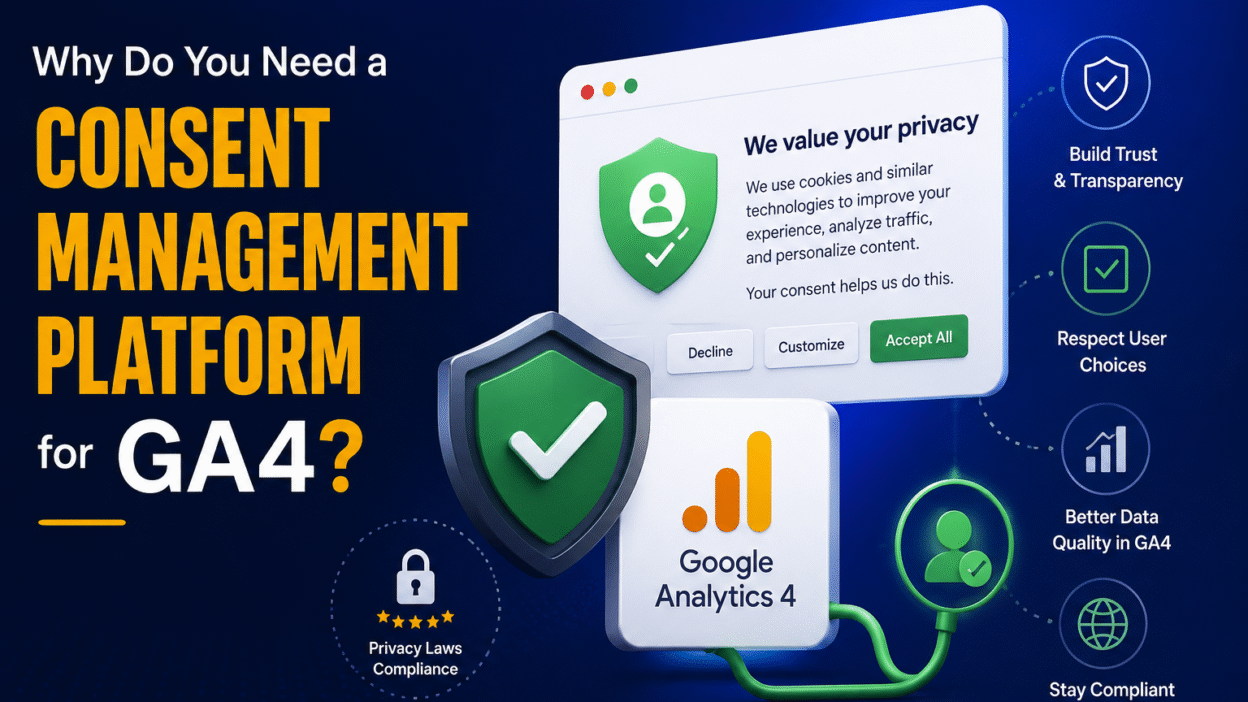
If you’re tracking campaigns or conversions in Google Analytics 4 (GA4), you’ve probably noticed things are different. Now with privacy rules like GDPR and the Digital Markets Act (DMA), users have to consent before any data can be collected. If you don’t comply, you could lose valuable analytics data or face heavy fines.
So what’s the good news? The good news is that GA4 has a built-in solution for these challenges, called Consent Mode. It enables you to continue measuring performance even when users opt out of cookies by using AI to mathematically model the behavior of users who opt out based on data from users who opt in.
But Consent Mode doesn’t work in isolation. You need a CMP (Consent Management Platform). It’s a cookie banner tool that collects and sends consent signals to Google.
So first of all, let’s understand the regulations that are driving these changes.
Table of Contents
- Introduction
- Understanding Data Privacy Rules that Affect GA4
- Why You Need a Consent Management Platform (CMP)
- How to Implement Consent Mode v2 in GA4
- Conclusion
Understanding Data Privacy Rules that Affect GA4
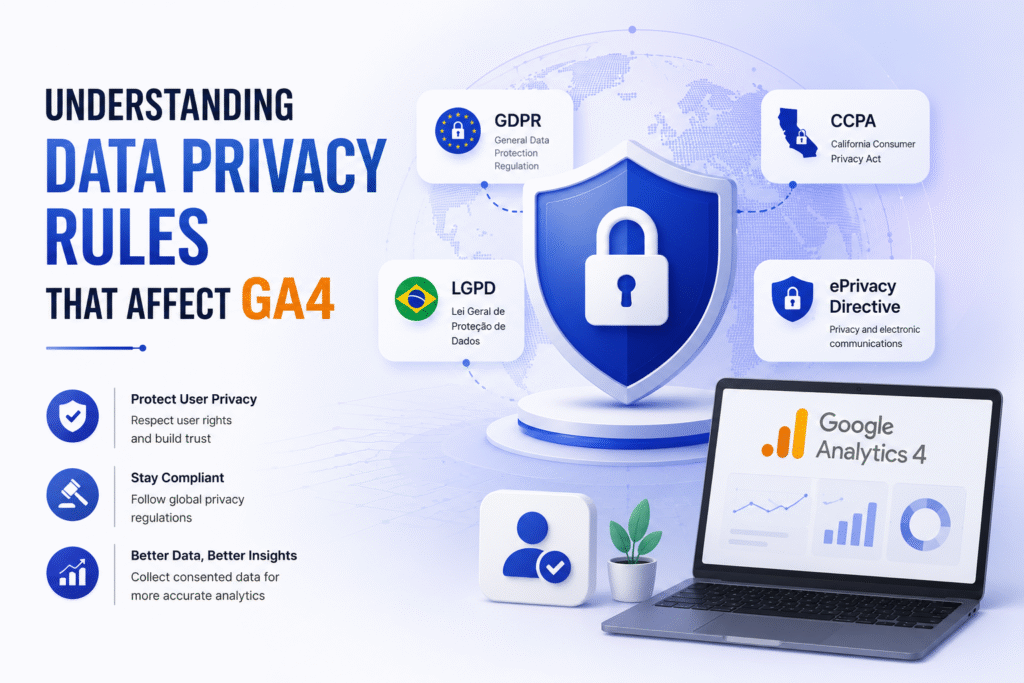
Before the nitty-gritty of Consent Mode, you’ll need to know what’s behind these changes. If you use GA4 and have visitors from Europe or India, three regulations are most relevant.
GDPR: The need for consent
The General Data Protection Regulation (GDPR) is the EU’s data privacy law from 2018. It required explicit user consent before collecting personal data, and GA4 collects personal data (user IDs, device IDs, and IP addresses).
Key GA4 GDPR requirements:
| Requirement | Implication for GA4 |
| Informed consent | Users have to opt in (pre-ticked boxes don’t count) |
| Data minimisation | GA4’s event-based model helps only gather what you need here |
| International moves | EU data cannot be sent to the U.S. without adequate protections |
| Right to be forgotten | Users can request the data they want to delete and data retention settings in GA4 can assist |
So what is the problem? The problem is that EU-U.S. data privacy framework alone does not make GA4 fully GDPR compliant. The user’s consent is still required. Which is why we need Consent Mode.
Digital Markets Act (DMA): Rules for gatekeepers
The Digital Markets Act (DMA) that came into effect in 2024 targets “gatekeeper” platforms such as Google. It requires tougher consent mechanisms for these companies with fines of up to 20 percent of global revenue for non-compliance.
For GA4 users, DMA means:
- Consent must be freely given, specific and clear
- You cannot refuse service if users refuse cookies (they still can get to your site)
- Consent should be as straightforward to withdraw as it is to give.
This is also why cookie banners cannot use dark patterns (like making the “Reject” button hard to find).
The DPDP Act: India’s Data Privacy Law
India’s Digital Personal Data Protection (DPDP) Act, 2023, echoes GDPR’s consent standards for businesses operating within India. The agency is writing similar rules for the Indian market while enforcement is still in rollout.
Why These Regulations Matter to GA4
“Improper consent handling” means that when users do not consent to cookies, websites in the EEA are losing 40-60% of their analytics data. That’s the purpose of Consent Mode; it fills those gaps without breaking privacy laws.
Why You Need a Consent Management Platform (CMP)
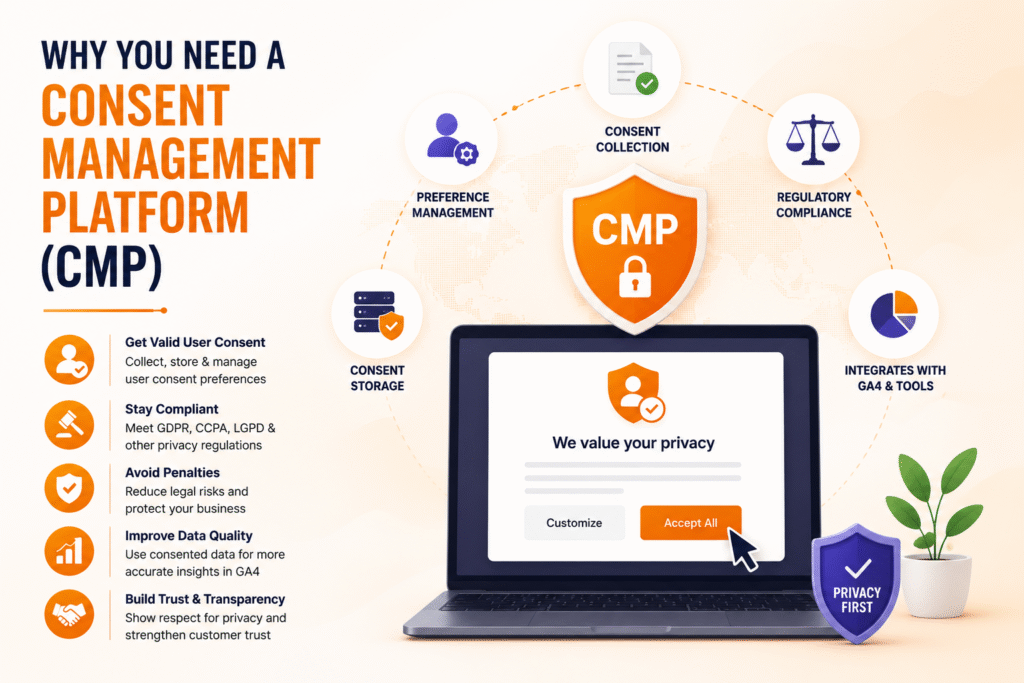
You might be thinking, can’t I just add Consent Mode to my website without a Consent Management Platform (CMP)? The answer is no. Here is why.
First, let’s learn what a CMP is.
Consent Management Platform is the cookie consent banner tool that appears when you visit a website. However, a banner serves a broader purpose than that. It is the system that
- Gathers user consent (opt-in or opt-out choices)
- Maintains records of consent (evidence of compliance)
- Sends consent signals to Google through the Consent Mode API
Without a CMP, GA4 and Google Ads have no way of knowing the user consent status.
So why do we need a CMP for GA4?
The answer is because Consent Mode changes the behavior of your tags based on the consent state. But CMP tells Consent Mode what that state is. Here’s how to think about it:
| Part | Position Title |
| CMP | Collects and stores user’s consent choices |
| Consent Mode API | Sends consent signals to Google tags |
| GA4 | Receives signals and adjusts data acquisition accordingly |
Without a CMP, Google tags load without consent signals, and as a result you lose data from users who haven’t engaged with a banner.
Who are the Google-Certified CMP partners then?
Not all CMPs support Consent Mode. Google has a list of certified CMP partners with pre-built integrations with Google Tag Manager. So, the popular choices are as follows:
- OneTrust (most popular enterprise CMP)
- Cookiebot (CUK Certified, Good for Small Businesses)
- CookieYes (affordable, GDPR-ready)
- Axeptio (customizable, based in EU)
- Complianz (WordPress plugin)
These CMPs come with native integration with Google Tag Manager, so you don’t need any custom code to get your consent signals sent correctly.
And your CMP needs to transmit four Consent Signals.
Consent Mode v2 requires your CMP to pass back four specific consent parameters:
- analytics_storage: Controls GA4 analytics cookies
- ad_storage: Used by Google Ads for conversion tracking cookies
- ad_user_data: Control sending user data to Google for ads.
- ad_personalization: Control cookies for personalized advertising
Your CMP must provide either granted or denied values for all four signals. Because, if you miss a signal, you will lose your tracking and compliance.
But what happens without a CMP?
Without a properly set up CMP:
- You lose 40-60% of session data from users who refuse cookies
- Conversion modelling won’t work (needs minimum thresholds of consented events)
- You are not GDPR and DMA compliant and risk fines of up to 4% of global revenue under GDPR
How to Implement Consent Mode v2 in GA4
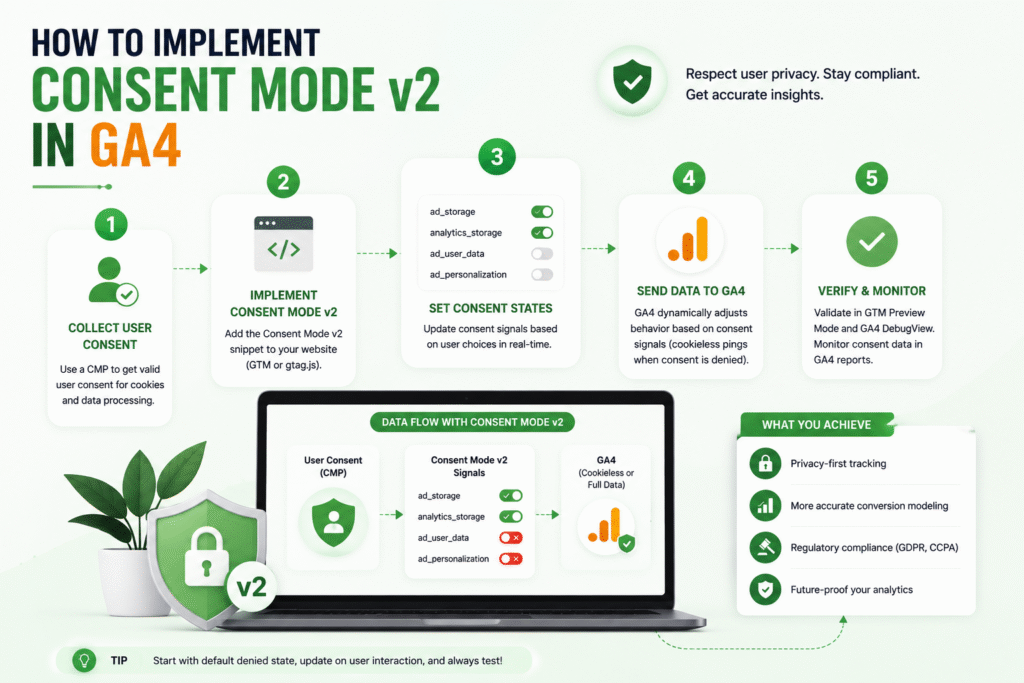
Implementing Consent Mode v2 is easier than it sounds, especially if you have a Google-certified CMP. Here’s the right way to implement according to Google’s official documentation:
Step 1: Create Your Google Tag First
You must have a Google tag added to your website (using Google Tag Manager or directly) before you can set up consent. This is a requirement for implementing Consent Mode.
Step 2: Select a Google-Certified CMP
Choose a CMP from Google’s official partner list. Options certified are:
- OneTrust, Cookiebot, Usercentrics, iubenda (enterprise/mid-market)
- CookieYes, Complianz, Axeptio (SMB/WordPress)
- Consent Manager, Osano, Termly (cost-effective)
Google recommends using a certified CMP instead of creating your own banner, as it will automatically take care of the API integration.
Step 3: Google Tag Manager – “Configure Consent Mode”
- Go to your Google Analytics Google Tag page.
- Click on the Admin tab (Gear icon)
- Click on ‘Google Tag Management’ and then open ‘Set Up Consent Mode.’
You will see three choices:
- “I use a third-party consent banner” (most common)
- I build a custom consent banner (build your own API integration)
- “I don’t have a consent banner” (get CMP recommendations)
If you have a CMP, select the first option.
Step 4: Adhere to Platform-Specific Instructions
Once you select your CMP from the drop-down menu, Google will present you with step-by-step instructions tailored to your platform. As an example:
- Complianz (WordPress): Install the plugin, run the wizard and enable Consent Mode v2 under Settings → Consent
- Cookiebot: Add Cookiebot script via GTM, Set up categories in Cookiebot dashboard
- OneTrust: Utilize the OneTrust Google Tag Manager template in the Community Templates gallery
Most certified CMPs auto-generate the requisite consent signals; no manual coding required.
Step 5: Configure Google Tag Manager (For GTM Users Only)
If you are using Google Tag Manager, the setup is slightly different:
- For Google Tags (GA4, Google Ads)
- Add the trigger ‘All Pages’ to your tags
- Do NOT block tags manually before consent
- Google tags natively support Consent Mode and will automatically adapt based on consent signals.
- Non-Google Tags (Facebook Pixel, etc.)
- Manual Control Activation by Consent
- Triggers based on CMP-specific custom events:
- cmplz_event_statistics for analytics
- cmplz_event_marketing for marketing
Step 6: Upload the CMP template to GTM (if applicable)
Many CMPs provide pre-built GTM templates:
- In GTM, click Tags → New
- Click Tag Configuration → Learn more about tag types in the community template gallery
- Search for your CMP (e.g., “Complianz,” “OneTrust”)
- Add the template and set the trigger to Consent Initialization: All Pages
This template automatically passes the four consent parameters to Google.
Step 7: Turn on Behavioral Modeling in GA4
Once Consent Mode is enabled:
- Head to Admin → Data Settings → Data Collection
- Enable “Behavioral and conversion modeling.”
Modeling will automatically kick in once thresholds are met (1,000+ daily denied events for 7 days).
Step 8: Give it a shot
Verify it thoroughly before you assume it’s working.
Test in Incognito Mode (not yet consented):
| javascript// Paste in browser consoleconsole.log(window.dataLayer); |
You should only see security_storage and functionality_storage granted.
After choosing Accept All:
Execute the same command. All four parameters (analytics_storage, ad_storage, ad_user_data, ad_personalization) should be displayed as granted.
Further checks:
- Test tags fire only with consent using GTM Preview Mode
- Check GA4 Realtime Report for post-consent events
- Check for duplicate scripts (if using CMP plugin, remove manual google tags)
Common Errors to Avoid
| Error | Fix |
| Google Duplicate Tags (manual + CMP) | Stop using manual scripts; let CMP handle the tags |
| Google tags blocked until consent | Use Advanced Mode (don’t block; let tags adapt) |
| JavaScript delay by caching plugins | Remove cmp scripts from cache optimization |
| GTM4WP Plugin Conflict | Turn off the GTM4WP container and handle GTM via CMP |
Conclusion
GA4 still gives you useful measurement data in a privacy-first world, but only if you set it up properly. The real purpose of Consent Mode in GA4 is not to bypass consent. The real purpose is to respect consent while keeping your analytics useful.
The takeaway here is simple: If your audience includes users in regions under GDPR or the Digital Markets Act (DMA), you need a Consent Management Platform (CMP) and a correctly configured Consent Mode v2 setup. As a result, this combination allows Google to receive consent signals, adjust tag behavior, and model missing data where allowed.
The value of this approach is a tradeoff. You maintain site compliance, minimize data loss from cookie rejection, and still get directional insights for campaign performance, attribution, and conversion tracking.
So the practical formula is:
- Use a CMP to collect and communicate consent choices.
- Use Consent Mode v2 to tell Google how to act.
- Use GA4 reporting to read the observed data and the modeled data correctly.
For marketers, it means less guesswork and more confident decision-making even in a more privacy-conscious environment.
Finally, the stronger your consent setup will be, the better your GA4 data will hold up over time.