
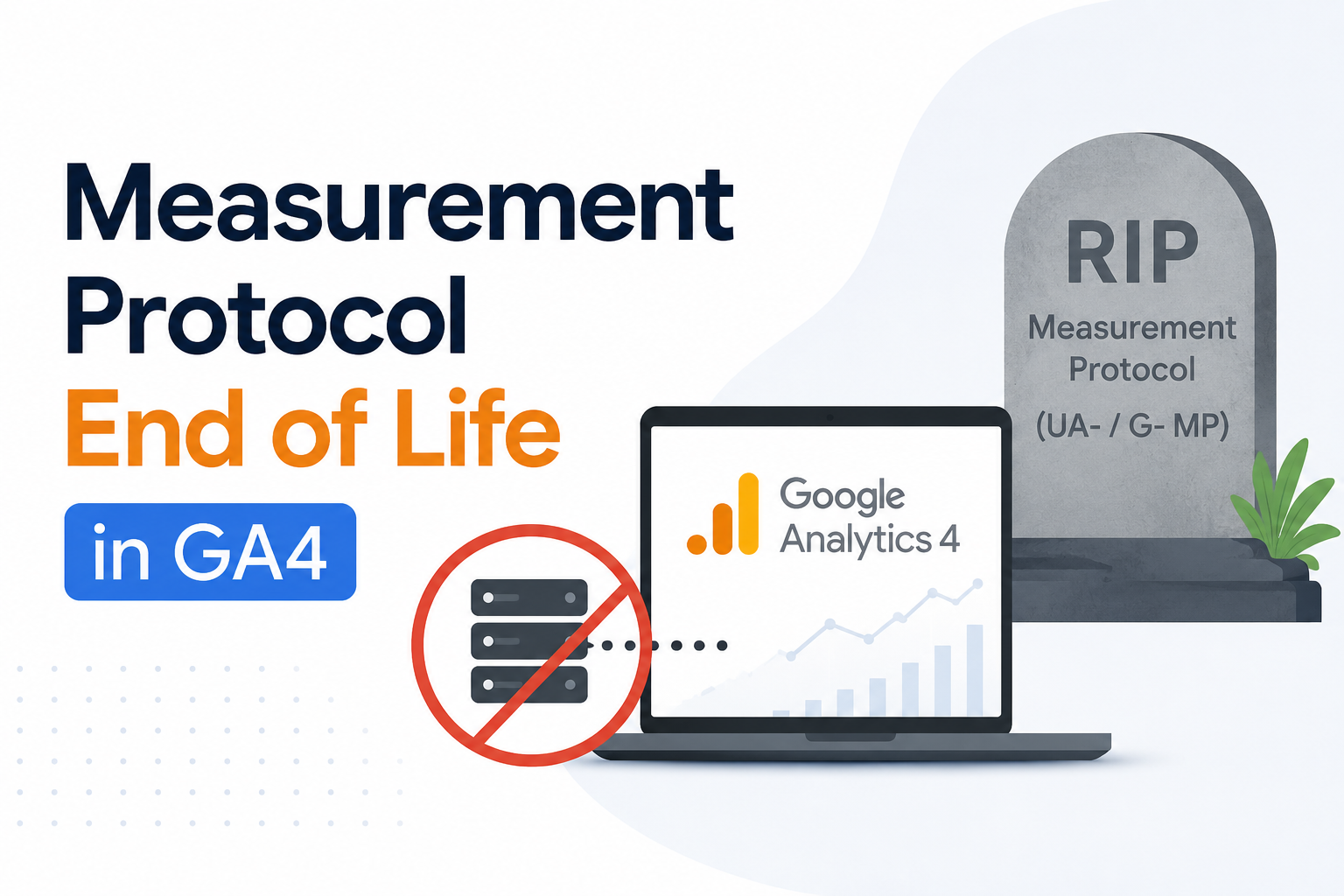
The conversation around GA4 server-side measurement is now taking a new direction. Google has decided to treat the Measurement Protocol as a mature and finalized tool. With this, Google has introduced new guidance, named the Data Manager API, a tool dedicated to future server-to-server event collection and improvements.
To put this in simple words, say you have a setup where events are directly sent to Google Analytics from a server, a point-of-sale system, a kiosk, or any other backend source. This is the change that is important for your server. The Measurement Protocol will still work, but the difference is that Google now has a newer path that has a more flexible structure. This structure will include a unified data model, stronger data governance, and encryption support, and it will also be able to send events to multiple destinations in a single request.
Now, the above-mentioned points make this topic important for the teams who are using Google Analytics 4. This aspect is especially important for teams that rely on offline data, server-side tracking, or backup event enrichment. This change is the reason why many businesses are now reviewing their measurement setup and server-side tagging strategy. Additionally, they are also looking for a migration partner who can help them move their data without losing the data quality or the implementation clarity.
Table of Contents
- Introduction
- Why Google Is Moving to the Data Manager API
- Measurement Protocol vs. Data Manager API
- What the Migration Means for Your GA4 Tracking
- How to Migrate From Measurement Protocol to Data Manager API
- How Simplytics Can Help With the Migration
Why Google Is Moving to the Data Manager API
Google is clear on its new directions. The Measurement Protocol is still available for users. However, the new Data Manager API is now the main focus. Google has decided to put in all its future improvements for server-to-server event collection into the Data Manager API. To put this in practical terms, this simply informs the teams who are using Google Analytics 4 for offline conversions, backend events, or other server-side measurements that they should now start focusing on the newer path instead of waiting for a bigger disruption later on.
The reason behind this shift is not just for a new name or an endpoint. According to Google’s upgrade guidance, the Data Manager API is built around a unified data model that supports encryption and can send events to multiple destinations in one request. Furthermore, it does not require any API secret, making the Data Manager API more flexible for modern measurement setups. As per Google, the Data Manager API is an alternative to the Measurement Protocol. Because it sends recommended and custom events directly to Google Analytics, this indicates that it is the preferred route for new implementations.
In simple words, Measurement Protocol is the older lane that teams were using. And the Data Manager API is the newer and more modern lane that Google wants teams to use for future-proof tracking. And this distinction is important especially if your setup depends on a clean event delivery, data consistency, and a smooth migration into the next version for your analytics stack.
Measurement Protocol vs. Data Manager API
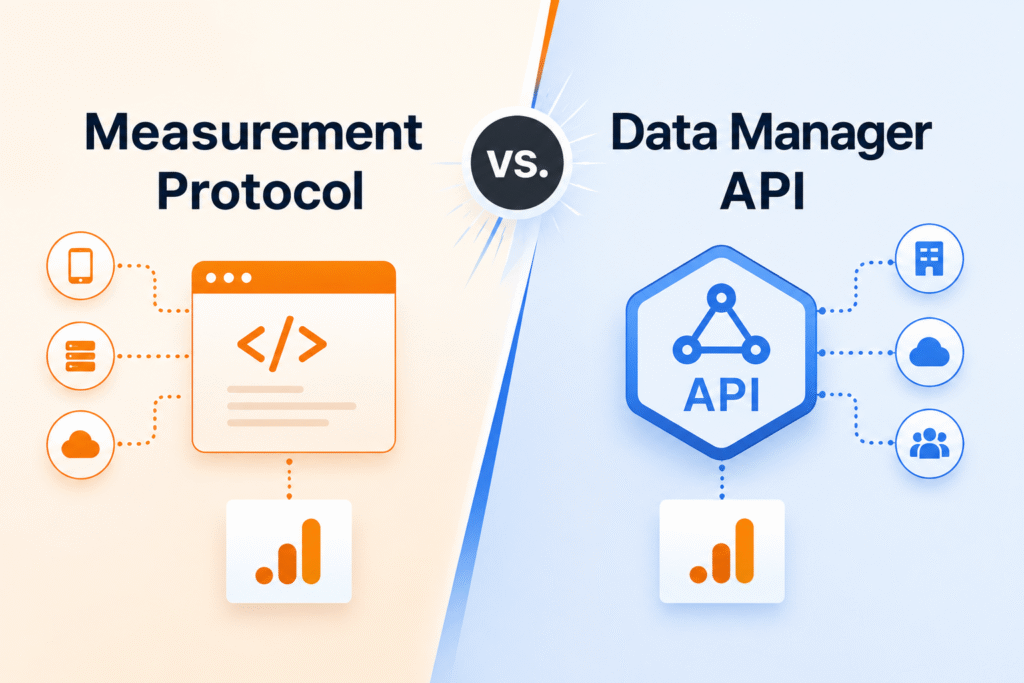
The most significant difference between the Measurement Protocol and the Data Manager API is the flexibility of their approach to data ingestion. The Data Manager API is built as a more flexible ingestion layer across Google advertising products such as Google Ads. In contrast, the Measurement Protocol is more closely tied to Google Analytics itself. Google is now shifting its focus to the Data Manager API for future server-to-server measurement improvements. And this shift clearly means that this approach is the path that will continue to evolve for Google Analytics 4.
Now, let’s understand the core difference in the simplest way:
| Aspect | Data Manager API | Measurement Protocol |
| Data model | This tool has a unified data model across all Google advertising products. | This has a Google Analytics-specific model. |
| Encryption | This supports encryption. | This does not support encryption. |
| Destinations | This can send events to multiple destinations in one request. | This can send only one data stream in one request. |
| API secret | This method does not require any secret. | This requires an API secret. |
This simply indicates that the new API is not just a mere replacement endpoint; it is a better fit for the modern measurement setups where teams want a cleaner data flow, improved event attribution, more flexibility, and a path that aligns with Google’s current direction for analytics and advertising products.
An important and practical point to consider is that Google still documents the Measurement Protocol as a way to send the events from devices like kiosks or point-of-sale systems and to enrich previously collected events. Now, the issue here is that it stops working immediately. It clearly shows that Google is prioritizing the Data Manager API for future growth and implementation work.
With this comparison, it is clear that businesses must start their migration planning right away. They must not wait for a future deprecation notice or even a bigger description later.
What the Migration Means for Your GA4 Tracking
This change is directly relevant to your data flow into GA4 and downstream platforms such as BigQuery if your setup uses the server-side event collection in Google Analytics 4. All the teams that rely on server-side tracking, Google Tag Manager, offline conversions, or backend event enrichment will be needing to start thinking about the newer data path. And this will be earlier than they might have expected.
All the businesses that are using the Measurement Protocol to send out events from servers, point-of-sale systems, kiosks, or any other backend sources must plan to move to the Data Manager API as per the migration. This tool should be the preferred route for all the future server-to-server events and first-party data collection workflows. This change is not about your data stopping today; it simply means that you must make sure your tracking setups are aligned with where Google is investing improvements and new features.
There are some of the key things that you must review in your current setup. Let’s understand the following:
- Server-side event sources: Which of the events are sent from your server, CRM, backend systems, or server-side Google Tag Manager instead of from the browser.
- Offline conversions or backend events: Any and every event that is coming from non-browser sources. This includes sales, data, fulfillment events, and leads.
- GA4 event destinations: The locations where your events are sent. Plus, whether you currently send only one data stream per request.
- Authentication: If you are using the API secret of Measurement Protocol, then it is important for you to understand how authentication changes with the Data Manager API.
In other words, if your analytics setup depends on the backend event data, it is important for you to start planning a migration to the Data Manager API now. Doing this, you will not be caught off guard later when Google decides to shift more of its measurement capabilities into that API.
You can also work with a migration partner for help. When you work with a team that understands server-side tracking, GA4 event mapping, and the Data Manager API, you can reduce the risk of data loss, broken tracking, or any confusion about how your events should be structured in the new system.
How to Migrate From Measurement Protocol to Data Manager API
Google’s official upgrade guide has given the clear, step-by-step path for the teams that are moving from the Measurement Protocol to the Data Manager API for server-side event collection in Google Analytics 4. This migration is not about rewriting everything today. You just have to start planning a practical shift to the newer API to get new integrations and for future updates to your current setup.
Google has outlined the migration in five main steps. Let’s go through the following:
- Set up the API access and generate the credentials
Firstly, you have to enable the Data Manager API in your Google Cloud Platform (GCP) project. With this step, you must create the necessary credentials and permission. This process is the foundation for authentication and access.
- Install a client library
Secondly, you must use a supported client library for your language or platform to call the Data Manager API. This will remove the need to build raw HTTP requests manually.
- Convert your requests using the field mappings
Thirdly, you have to use Google’s field mappings reference to translate your existing Measurement Protocol request into a Data Manager API request. With this step, your event structure and event parameters will align with the new model.
- Send the events to your GA4 property
In the forth step, you have to send your requests to your Google Analytics property using the Data Manager API in place of the old /mp/collect endpoint.
- Verify the results
Lastly, you must confirm the events are arriving correctly using diagnostics, Realtime Reporting, or the DebugView in GA4.
The important point to focus on is the sequence; follow the steps as given by Google’s official upgrade guide. It is not necessary for you to understand every technical detail, but you do need a migration partner. A team that can handle these steps cleanly and keep your tracking accurate.
How Simplytics Can Help With the Migration
Shifting from the Measurement Protocol to the Data Manager API includes planning, mapping events, testing, and validating the data. This process is much easier with a team that understands both GA4 and server-side tracking. At Simplytics, we position ourselves as a migration partner for your business. A team that aims to move cleanly without losing data quality and implementation clarity.
Let’s walk through how Simplytics can support your migration:
- GA4 implementation and technical setup
We are here to help you set up and configure your GA4 properties, events, and user properties so that your event structure aligns with the new Data Manager API model.
- Server-side tracking and event tracking support
You send events from CRMs, Customer Data Platforms (CDPs), servers, or backend systems? We can help you design and implement the new event flows using the Data Manager API in place of Measurement Protocol.
- Analytics and data tracking audits
Allow us to review your current Measurement Protocol usage and identify which of the events and sources need to be migrated. Furthermore, trust us and let us check that your data remains accurate even after the change.
- Migration partner support
We will work with you to plan the migration in steps as given by Google: audit access, map fields, send the events, and validate the results in real-time or debugview.
- Ongoing measurement strategy and validation
After the migration, we will continue to monitor your tracking setup. Additionally, we will ensure that the events are arriving correctly and help you adapt to future changes in how Google handles server-to-server data in GA4.
If you are using the Measurement Protocol for server-side tracking events, offline conversions, or backend event enrichment, there is no need to rush. Don’t bother rewriting it overnight. All you need is a plan to make the shift so that your setup stays aligned with Google’s direction for Google Analytics 4. This plan will also support future server-to-server measurement improvements.
Simplytics is here to help you move forward with confidence. We will make sure to reduce the risk of broken tracking. Additionally, we will keep your analytics stack ready for the next round of changes in the Google measurement ecosystem. We are not here to support you for now; we plan to continue this support in the future.