
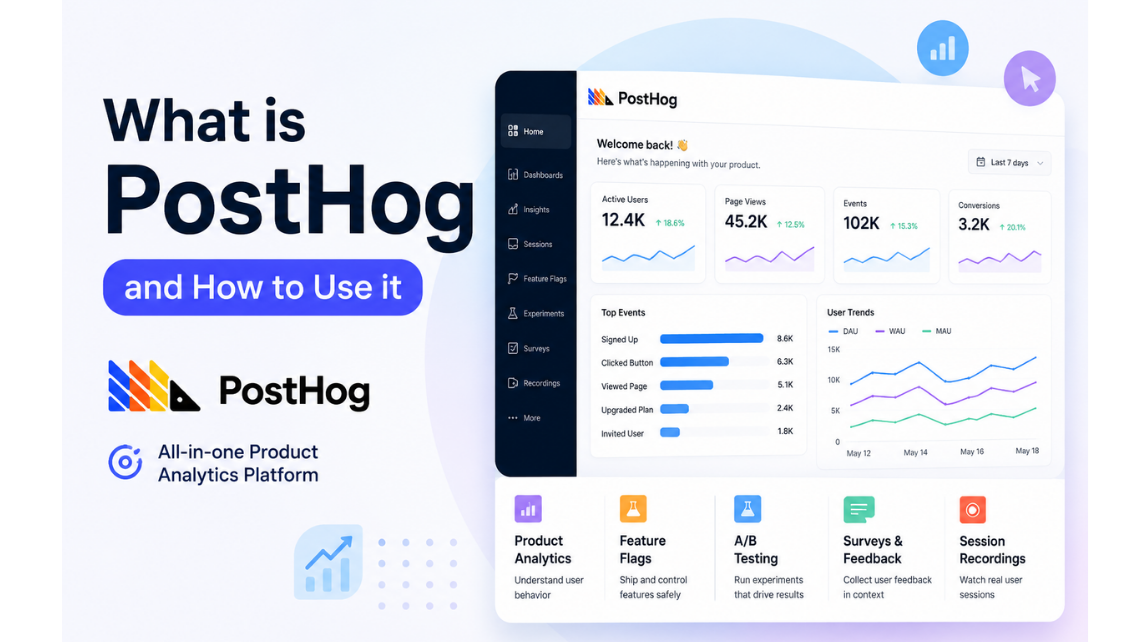
PostHog is one of those tools that helps you understand what people are doing on your website or app through behavioral analytics without making the process feel all over the place. It combines product analytics, user analytics, web analytics, session replay, feature flags, experiments, and more. This enables product teams and developers to measure user behavior through event tracking, test ideas, and make data-driven decisions.
In this PostHog tutorial, we’ll keep things simple and practical. If you’re looking for a clear PostHog getting-started guide, this tutorial is the place to start. And if you want to know how to use PostHog, this walkthrough will take you through it step by step.
Table of Contents
- Introduction
- What actually is the work of PostHog
- Cloud vs. Self-Hosting
- Getting started
- Installing PostHog
- Submitting your first events
- Event naming and user identification
- Building your first insights
- Web analytics and dashboards
- Feature flags and experiments
- Send data out and use PostHog as a lightweight CDP
- A quick look at AI inside PostHog
- Best Practices
- Pulling it all together
What is PostHog
PostHog is an all-in-one product analytics platform that lets you understand how people use your product. In layman’s terms, it shows you what users do, where they drop off, and what parts of your product need attention. It’s made for teams that want to understand behavior without having to use a lot of different tools.
PostHog also bundles web analytics, session replay, feature flags, experiments, surveys, and a data warehouse in one system. That’s why many people use it as a single place for product tracking and analysis. However, some teams often compare PostHog with Google Analytics 4 (GA4) when deciding between product analytics and traditional web analytics. Then there are other commonly compared product analytics platforms that include Mixpanel and Amplitude. These, however, depend on your business and implementation needs.
Why Do Product Teams and Developers Use PostHog
By using PostHog, all the product teams can simply understand the user behavior, measure the product changes, and spot what is working or not working for them. This single tool gives developers a hands-on way to track events, validate sessions, and ship features with more confidence. PostHog brings analytics, testing, and monitoring together so you don’t have to hop around different platforms. That saves time and makes the day-to-day work easier. It’s particularly useful if a team wants simple reporting and deeper product insights all in one place.
For whom is PostHog? PostHog is ideal for product managers, marketers, developers, founders, and analytics teams who seek better insight into user-product interactions. It’s a good fit for teams that want to track events, build funnels, review sessions, and test new ideas without a heavy setup.
Hence, if you are someone who cares about their product growth, user journeys, and making decisions from data, PostHog is worth exploring. It’s perfect for teams that want one tool for both product and web analytics. Bottom line, it’s a good fit for anyone looking for an easy-to-use, practical analytics setup.
What actually is the work of PostHog
PostHog isn’t just an analytical tool. It gives you one place to understand user behavior, track product usage, and test ideas without having to jump between different platforms. Also, it bundles a number of nice features that teams typically need to have separately, simplifying the management of everything in a single workflow. We’ll look at the main things PostHog does and keep the explanation simple.
Product Analytics
Product analytics lets you see how people use your app or website. With this tool, you can keep track of actions like the signups, clicks, feature usage, and completed steps in a journey. This feature gives a better insight into what users are doing and where they are stopping.
Analytics Web
See traffic and page activity clearly with PostHog web analytics. It helps you understand what pages people visit, how they get around your site, and where they hang out. This is where you get your first clear picture of the PostHog web analytics dashboard overview. It’s good if you want a quick way to check site performance without bringing in another tool.
Session playback
Session replay allows you to see how a visitor moved through your site or app. In a recorded session you can see clicks, scrolls, and actions, which helps to understand the reason behind something. This feature is very useful when users drop off or get stuck somewhere. The session replay is one of the most practical features to learn early in a PostHog walkthrough for beginners.
Feature toggles
Feature flags allow you to enable/disable features without changing the code every time. This is useful for when you want to try out a new feature with a small group before you release it to the whole world. It also gives teams more control over launches and rollouts. That’s one of the things that makes PostHog feel more flexible and actually useful to developers.
Experiments
Experiments let you put two versions of something side-by-side and see which one works better. You can use them to test a button, page, flow, or feature before you decide on the final one. Good approach if you want to lean on results rather than speculation. Basic tracking in a PostHog product analytics tutorial experiment.
Questionnaires.
Surveys enable you to collect feedback from users within your product or website. That means you can hear from people rather than just looking at behavior. It can help you understand satisfaction, frustration, or why someone did something. This is useful if you want both numbers and real opinions in one place.
A data warehouse
PostHog also offers a way to dive deeper into data through its data warehouse. This is useful if you want to keep your product data well organized for teams and do more advanced analysis later. It is not the first thing most beginners need, but it is good to know it is part of the platform. This means PostHog is more than a simple reporting tool.
The abilities of AI
PostHog also includes AI features to help with analysis and queries. They can help to explore data or ask questions in a more natural way. But the core analytics and tracking is still the main value of PostHog. Hence, that is the reason why the AI part is very useful; however, it is not something that takes over the whole story.
Cloud vs. Self-Hosting
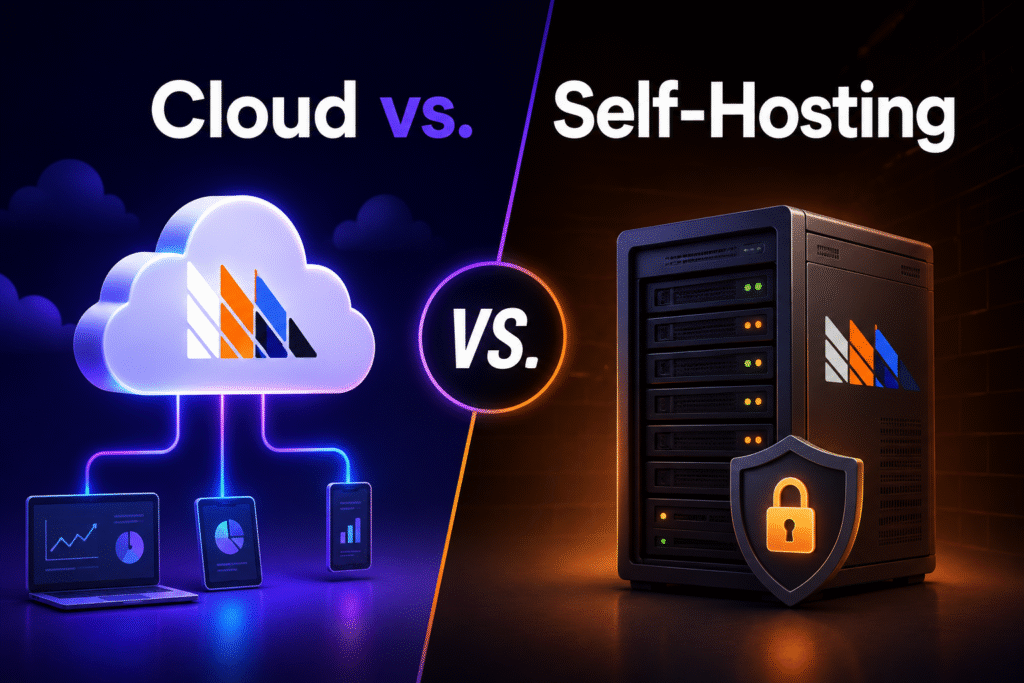
When you start working with PostHog, you can get started in two main ways. That is PostHog Cloud or PostHog Self-hosting. According to PostHog, Cloud is the best option for most of the companies. Why? Because Cloud is the fastest way to start, and additionally, it comes with a very generous free tier.
What is the difference
| Cloud | Self-Hosting |
| This version is hosted by PostHog for you. | This version you have to host by yourself on your own infrastructure. |
| This is faster to set up. | This version takes more setup and maintenance. |
| This variant has a less technical overhead. | This variant has more control over your environment. |
| This version is best for teams that are getting started. | This version is best for teams with specific hosting needs. |
Pros and Cons of each version
| Option | Pros | Cons |
| Cloud | The best thing is that this version is easy to start, managed for you, and has less maintenance. | But, with this version, you have less control over hosting setup. |
| Self-Hosting | This version is perfect because you have more control and it runs in your own environment. | However, you will have to work more and have more responsibility, and this version will be harder to maintain. |
Which one should you use?
PostHog Cloud is usually the better choice if you are just getting started. It is the recommended option in the docs, and it lets you move faster without worrying about infrastructure too early. Self-hosting makes sense only if you specifically need to control where PostHog runs and you are comfortable handling the setup yourself.
Getting started
When you decide to start using PostHog, the first thing you need to do is create an account and set up your first project. That project is where all your product data resides and is the starting point for all that follows.
Here you will find your project token, which is used to connect your website or app to PostHog. Think of it as the piece that tells PostHog where to send your data.
And why is this step important? This step is not just a phase to fill in setup fields. It’s where you determine how your data will flow, how your tracking ties into your product, and how clean your future reporting will be.
Installing PostHog
As we move forward, installing PostHog is the next step. It is simple; the proper instrumentation starts where first you will be adding their JavaScript snippet or JavaScript SDK to your site or app. Now, here things get interesting. Say you are adding their JavaScript or SDK for a website; you will have to put the snippet inside the <head> section.
And if you are adding the same for an application, you will have to install the library from the package manager and initialize it with the project token and host.
Now, let’s say your setup also needs server-side tracking; for this, PostHog has backend event capturing with its Node library and REST API options. That’s useful when you want to send events from the server, rather than just relying on browser activity.
Furthermore, if you are someone who already uses Google Tag Manager, you can simply deploy the PostHog snippet there too. With this method, tracking will be easier to manage, and you will not have to edit the code each time, especially for marketing or website changes.
Let us provide you bonus information on what things you must keep in mind while installing PostHog. Installation doesn’t have to be a one-size-fits-all process. The right setup will depend on your product stack, your tracking needs, and how much control you want over the data you send.
Additionally, the most important step in this whole process is to test your setup. A good quick check is to click around your site and see if pageviews and other basic events start showing up.
Submitting your first events
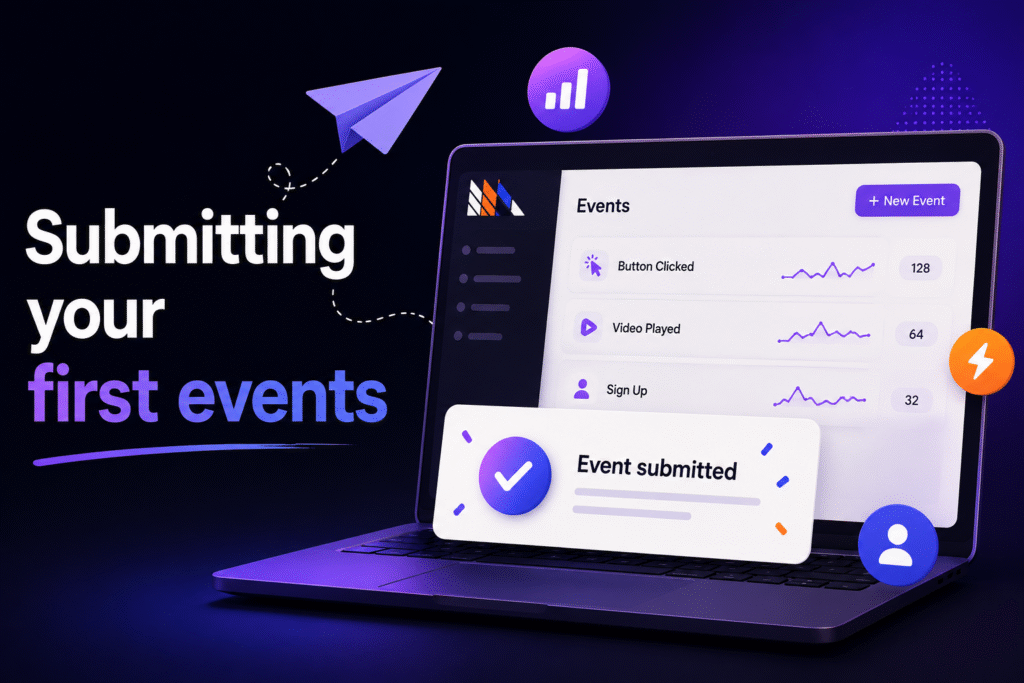
After you install it, the real value begins to show up when you send your first events. In PostHog, an event is just anything a person does, be it visiting a page, clicking a button, signing up, or completing a key step in your product. There are also event properties for each event, which provide additional context about the action.
PostHog can automatically record common web interactions through Autocapture, but you can also add your own events if you want to track actions that are more important to your product goals. That combo gives you a fast start and a more useful long-term setup.
A simple way to think of it
The automatic tracking shows you what’s happening. Custom Events help you learn what counts. Together they give you a better picture of how people are moving through your product.
Why it matters
Your first events are the building blocks of every conversion funnel, retention, dashboard, and any other report you build later. If the events are clean and meaningful to begin with, the rest of your analytics are a lot easier to trust.
Event naming and user identification
How you name events and identify users has a huge impact on the quality of your reporting. At Simplytics, we often recommend that both parts be simple, consistent, and planned from the beginning so that the data remains useful as your product evolves.
Standardize event names
We recommend a clear naming structure and event schema that reflects your product and reporting goals. The secret is to make every event easy to understand later, whether it’s a signup, a feature use, or a key action in the user journey.
A clean setup prevents confusion if multiple people are either reading the data or generating reports from the data. And it’s easier to see patterns without having to decode event names every time.
Anonymous and logged-in users
In most setups, it is useful to think about users in two stages, pre-login and post-login. These users are termed as “persons” in PostHog, and they can have associated person properties. PostHog can track both; with the “distinct_id,” it can help associate events with the relevant person as users travel from the anonymous to the identified activity. But the real value comes when the anonymous activity is tied back to a known user through identity resolution once they identify themselves.
At Simplytics we’re all about making that connection happen seamlessly because it gives you a more complete picture of the journey rather than bits and pieces of it. That is important when you want to understand how people move from first visit to sign-up and then to active use.
Why it’s important
If naming is clean and user identification is set up properly, your funnels, retention reports, and user-level analysis will be much more reliable. That’s why we treat this as a setup decision, not just a tracking detail.
Building your first insights
Once you’ve got your events flowing in, PostHog helps you turn that data into insights. These insights are the best way to understand how people are using your product, where they drop off, and what they come back to do later.
Trends
Trends show how a metric changes over time. You can use them to track things like signups, visits, or feature usage so that you can see patterns quickly.
Sales funnels
With Funnels, you can see how the users move from one stage to another. Funnels are pretty useful if you want to keep track of where your users are falling out of a flow. For example, the flow is visit → signup → activation.
Retention
User retention is where you can see how many users are coming back after their first visit or action. It’s a simple yet important way of measuring the stickiness of your product. Another thing that you can do is use cohorts to group the users. You can do this on the basis of their shared characteristics or behavior. Additionally, you can also compare how these groups perform over time.
User flow
With user flows, you can track how the users navigate through your product or site. They reveal where users go next, where they get stuck and where they might be missing important features.
It’s simple.
For a PostHog tutorial, you don’t have to create every insight on day one. Also, you can use “actions” to define the reusable groups of events whenever you need to analyze the specific user behaviors repeatedly. Start with a few reports that answer your main product questions, and expand later once you have the basics in place.
Web analytics and dashboards
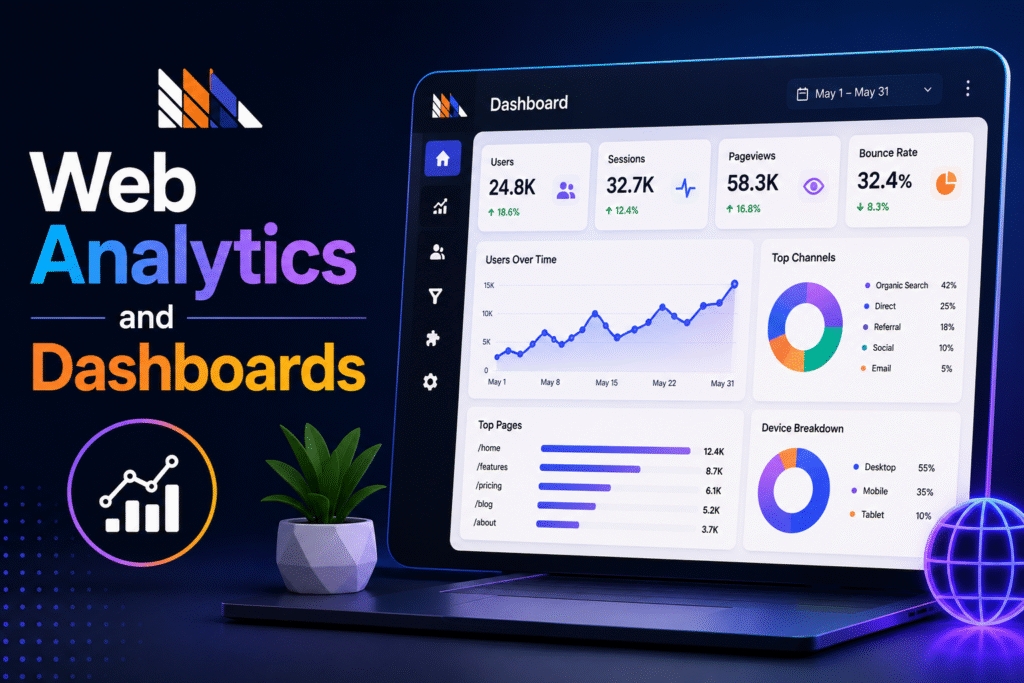
Once you have insights, dashboards are meant to help you keep the most useful ones in one place. PostHog dashboards are designed to give you a quick view of your key metrics, including conversion rate, and you can combine different types of insights into a single view.
Create and share dashboards
Add trends, funnels, retention charts, and user paths to a dashboard and make it your main view for product or website performance. PostHog also allows you to share or embed your dashboards publicly. This is useful if you want to share results with people outside of your account.
Web Analytics Explained
PostHog’s web analytics provides a simpler, more focused view of traffic to your website. You’ll see the types of metrics that most marketers are already familiar with, like visitors, views, sessions, time on site, bounce rate, conversions, paths, and referrers.
Replay session
Session replay lets you replay real user sessions to understand the user experience (UX) better so you can see how someone navigated through your product or site. PostHog’s docs also mention replay to diagnose UI issues and improve support, which is handy if you want context behind a drop-off, bug, or confusing flow.
Session Recording
You can access the recordings from the Replay page or by clicking on a data point in an insight. That makes it easy to relate numbers back to real user behavior, rather than guesswork about what happened.
Heat maps
Heatmaps aren’t part of PostHog’s core setup, but they can be helpful if you want a quick visual way to understand where people are clicking or interacting on a page. Mention these, but only briefly. You want to keep the section focused on the features that the reader will use the most first.
Feature flags and experiments
Feature flags provide feature management, the ability to turn features on or off for specific users, groups, or percentages of traffic without redeploying code. This makes it easier for changes to be tested in a safe way and rolled out in stages rather than all at once.
What are feature flags
At their core, feature flags are switches for your product. You can use them to show a feature to a small group first, test it in production, or quickly turn it off if something goes wrong.
A/B testing
Feature flags are used by PostHog experiments to test different versions of a product and measure impact. So you show version A to one group and version B to another group and then see which one does better.
How to make changes safely
Slowly rolling out new features is a sensible approach. This simply means starting with a small percentage of users and then gradually increasing rollout as the feature proves stable.
Send data out and use PostHog as a lightweight CDP
PostHog can also be used as a light customer data platform, or CDP. That means it can collect event data, clean it up or transform it, and send it to other tools you already use.
What this means in fact
To put it simply, PostHog is a tool for not only analyzing data but also transferring data. You can pull data in from sources like a warehouse or CRM, and you can push data out to destinations like Slack, HubSpot, Intercom, or your own backend via webhooks.
This is useful because
This feature is useful if you want to keep your product, marketing, and support tools all aligned. You don’t have to copy data by hand; you can keep PostHog as the place where events are collected as a part of your data pipeline and route the right information to the right tools. And as for B2B products, there is group analytics in PostHog that can also help you analyze the activity at the organization, account, or team level instead of only working at the individual user level.
Data warehouse connection
PostHog also has a data warehouse connector, so you can pull in structured data from systems like BigQuery, Snowflake, Stripe, or CRM tools. This helps to combine product events with business data in one place.
A quick look at AI inside PostHog
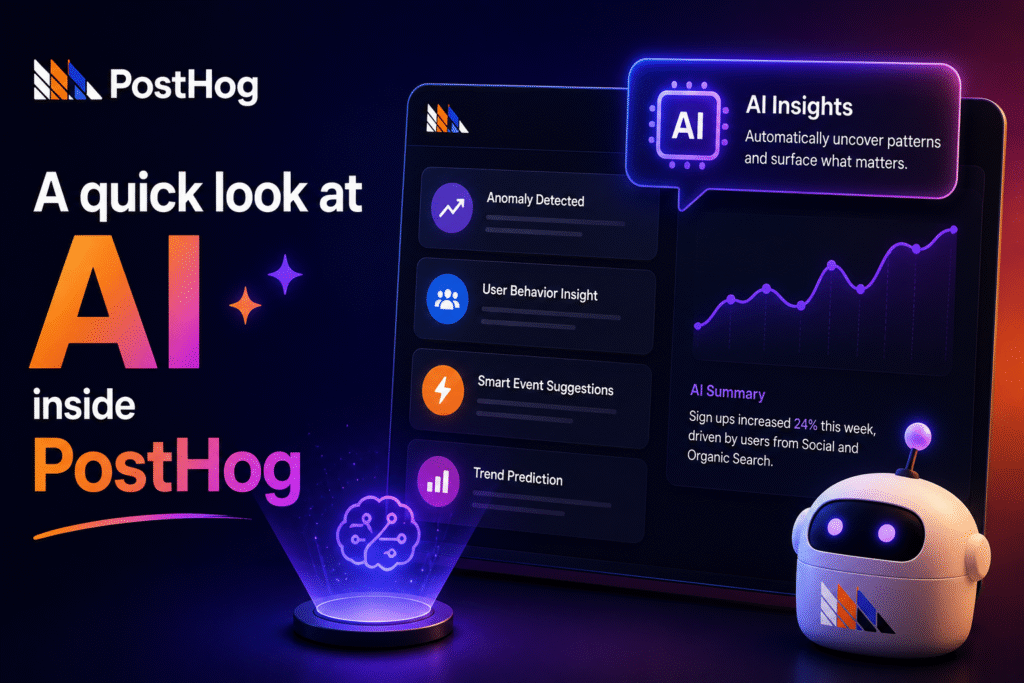
PostHog does have AI features, but they are an overlay on top of the core product, not a replacement. The idea is simple: you can ask natural language queries about your product data, and PostHog helps you find answers faster.
AI Intelligence
PostHog AI is able to help you generate insights, build dashboards, improve data visualization, and summarize what is going on in your product data. It is designed to save you time if you want a quick read on a trend or pattern.
Natural language questions
Rather than building each query yourself, you can ask PostHog questions in plain English. AI is able to search your product data, look at schema details, and help you make sense of the results without making it feel too technical.
SQL generated by AI
PostHog AI is able to also write and fix queries using HogQL (PostHog Query Language), along with SQL, using your real project tables and columns. This is useful when you want a deeper analysis and don’t want to waste time memorizing query syntax or table names.
Session summaries
Another useful use case is session replay summaries. PostHog AI is able to summarize patterns and help you spot what matters faster instead of watching every recording yourself.
Best Practices
At Simplytics, we believe a good PostHog setup is built on clarity, not volume. The aim is to track the right things, keep the data clean, and ensure the reports actually help the team make decisions.
Track what’s important
We usually recommend starting with the actions that are indicative of real product movement, such as signups, key feature usage and activation steps, and purchases. If an event doesn’t help answer a business question, then it probably doesn’t need to be tracked yet.
Keep naming simple
Having a tidy naming system will make managing the setup easier later on. We prefer names that are easy for both product and marketing to read so the events make sense even months after they are set up.
Avoid double tracking
Duplicate events can confuse by making funnels appear better or worse than they are. This is why we stress the importance of checking the event logic early and keeping the tracking plan tight from the beginning.
Keep personal data out
We also advise our clients not to collect unnecessary personally identifiable information (PII) in order to avoid all the unnecessary privacy problems and support the GDPR compliance. The cleaner and safer your setup is, the easier it is to use PostHog without running into unnecessary privacy problems.
Build for reporting purposes
The best PostHog setup isn’t just about sending data into the platform. It’s about ensuring data can feed dashboards and funnels and user journeys and future analysis without having to be rebuilt later.
Pulling it all together
So now you have the basic flow: install PostHog, send events, keep your naming clean, and use knowledge to understand what people are doing. From there you can build dashboards, watch session replays, and use feature flags or experiments when you want to test changes safely.
Quick recap
Begin with the simplest setup that will give you useful data. Only expand when you need more. PostHog’s docs also suggest moving into areas such as dashboards, session replay, data warehouses, and data pipelines once the basics are working.
What do you do next?
Install PostHog on your website and app, start tracking your most important events, and look at your first funnel or retention report. Then you can start using the data warehouse, real-time destinations, or feature flags based on the highest priority needs of your product team.
How Simplytics can help you
Configuring PostHog correctly is more than just turning on a switch in a tool. It’s about ensuring the tool integrates into your overall data environment, supports how your team operates, and actually delivers you reporting that you can rely on. That’s where Simplytics can come in.
We help teams with advanced PostHog implementation, including connecting different data sources, designing the data flow, and using the platform in a way that fits the real business needs. PostHog is a product analytics tool and a broader data layer, so the setup has to be planned properly if you want the right output from it.
It also means knowing what parts of the ecosystem are the most important for your use case. Some teams need product analytics and dashboards first; some want CDP-style routing, data warehouse connections, or syncing destinations to other tools. Simplytics is not a one-size-fits-all setup; it guides you along the right path.
We also help teams get more of the advanced features of PostHog so that the implementation is useful beyond basic tracking. That means building a setup that better supports analysis, cleaner reporting, and an easier way to connect product data with marketing, sales, or support data downstream.
And if you’re migrating from another analytics platform, we can help you plan your migration so you don’t lose any important historical data along the way. Historical imports and migration workflows are supported in PostHog, so a careful move can be made when done right.