
Let’s say today is the launch day for your biggest campaign. The traffic is pouring in; you have a good number of visitors. But is it converting? Are users bouncing off your landing page? Standard analytics won’t tell you for hours. Google Analytics 4 (GA4) Real-time reports will. Right now.
This isn’t just another dashboard. It’s your live pulse on website activity, updated in seconds. Marketers debug tags mid-flight. Devs spot broken flows instantly. Owners watch sales tick up live. From active users to hot pages and fresh conversions, we’ll unpack the features you can trust, the boundaries that trip people up, and the best uses that actually move the needle. All fresh for 2026, no fluff.
Table of Contents
- Introduction
- Key Features of GA4 Real-Time Reports
- Accessing and Navigating the Dashboard
- Boundaries and Limitations
- Practical Use Cases
- Server-Side Tracking for Enhanced Accuracy
- API and Custom Reporting Options
- Recent 2026 Developments
- Best Uses and Optimization Strategies
Key Features of GA4 Real-Time Reports
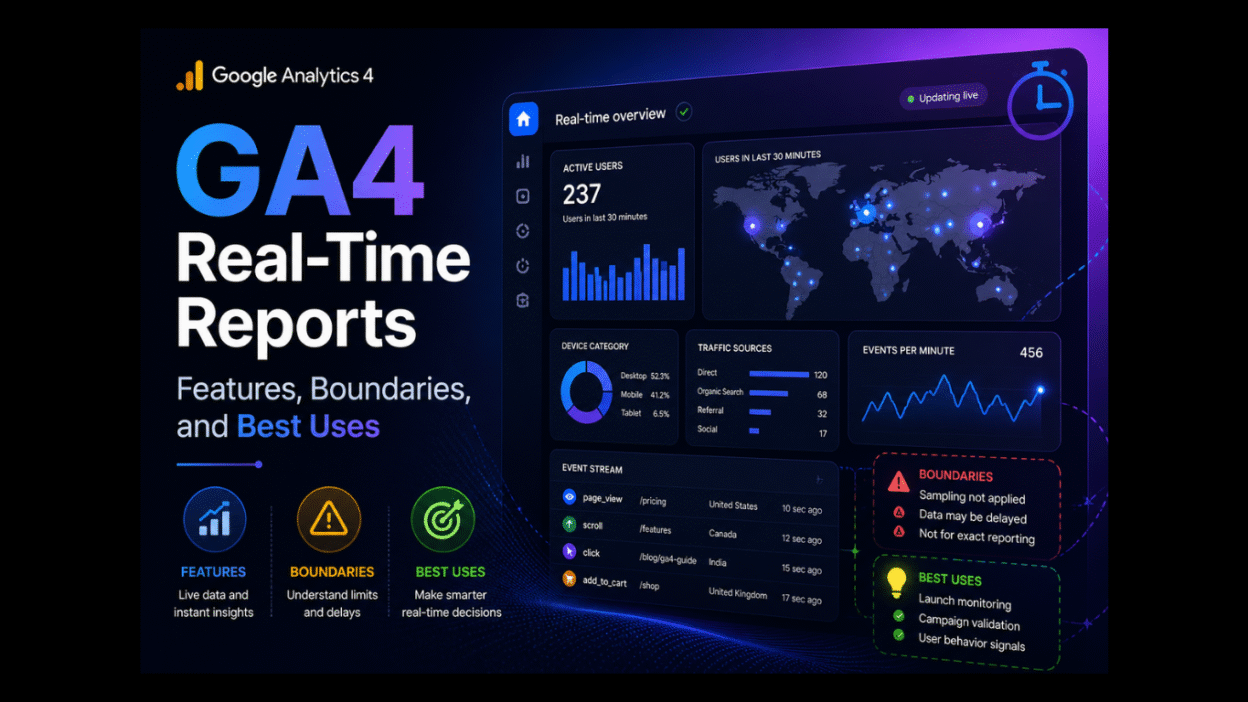
Google Analytics 4 Real-Time Reports shine through their intuitive insight cards and live metrics. Here’s what you’ll see front and center:
- Users Now: Get a live count of people on your site this minute. No lag. Just the pulse.
- Active Users: This metric includes all user engagement that occurred in the last 30 minutes (or 60 minutes for 360 properties). Tracks only the sessions, not ghosts.
- Traffic Sources: Get an instant breakdown of organic, paid, direct, and referral traffic. Spot what’s driving the surge.
- Pages/Screens: What is the hottest content right now? Which landing page is killing it? Which one’s dead?
- Events: Real-time triggers like clicks, scrolls, and video starts. With this real-time event tracking, you see behavior unfold.
- Conversions: Key goals firing live, if configured. With real-time conversion tracking, you can see the checkout is happening now.
- Geolocation Map: Interactive view of where users are, like if they are in the cities or countries. The device splits too (mobile is crushing the desktop).
These load in seconds. No complex filters needed. Glance, react, win.
Accessing and Navigating the Dashboard
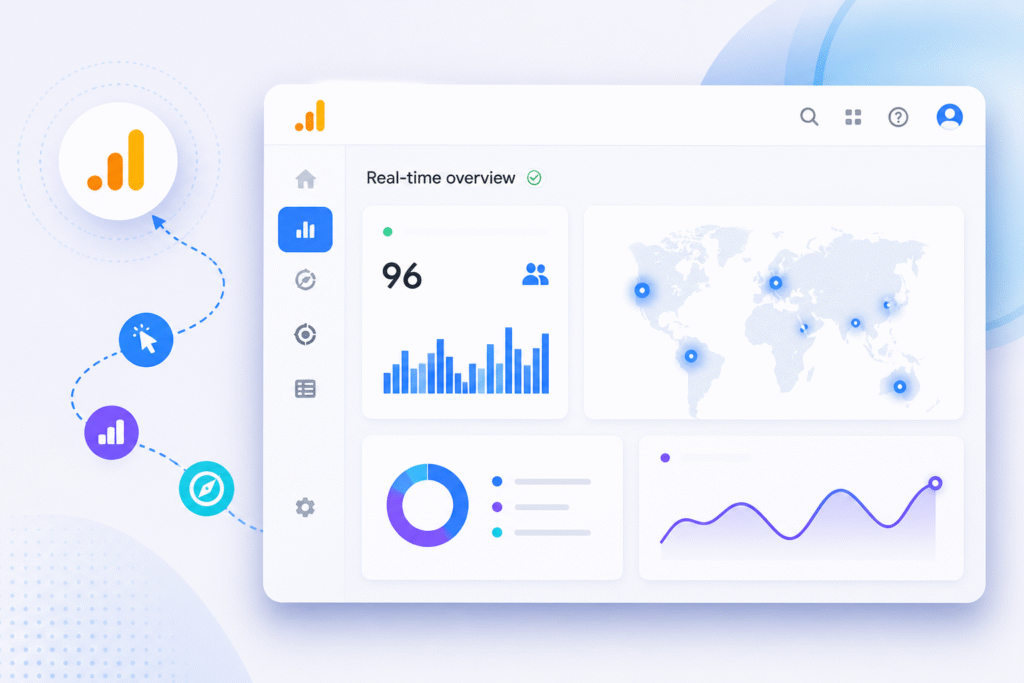
Getting to Google Analytics 4 Real-Time Reports? Dead simple. Log into your GA4 property. Hit Reports in the left sidebar. Scroll to Realtime; it’s right there under Engagement. Click. Boom. Live data floods the screen.
Navigation basics keep it marketer-friendly:
- Top insights cards dominate; scan users, sources, and pages at a glance.
- The technology section below splits devices, browsers, and OS. Mobile traffic spiking? You’ll see it.
- The event count chart shows activity spikes over 30 minutes. Hover for details.
- Add comparison (via the “+” button) slices data; compare campaigns or regions on the fly.
Pro move: Pin it to Favorites for one-click access. Customize the date range? Stick to defaults; real-time doesn’t love history lessons. Refresh manually if needed; auto-updates every few seconds. Clean. Fast. Action-ready.
Boundaries and Limitations
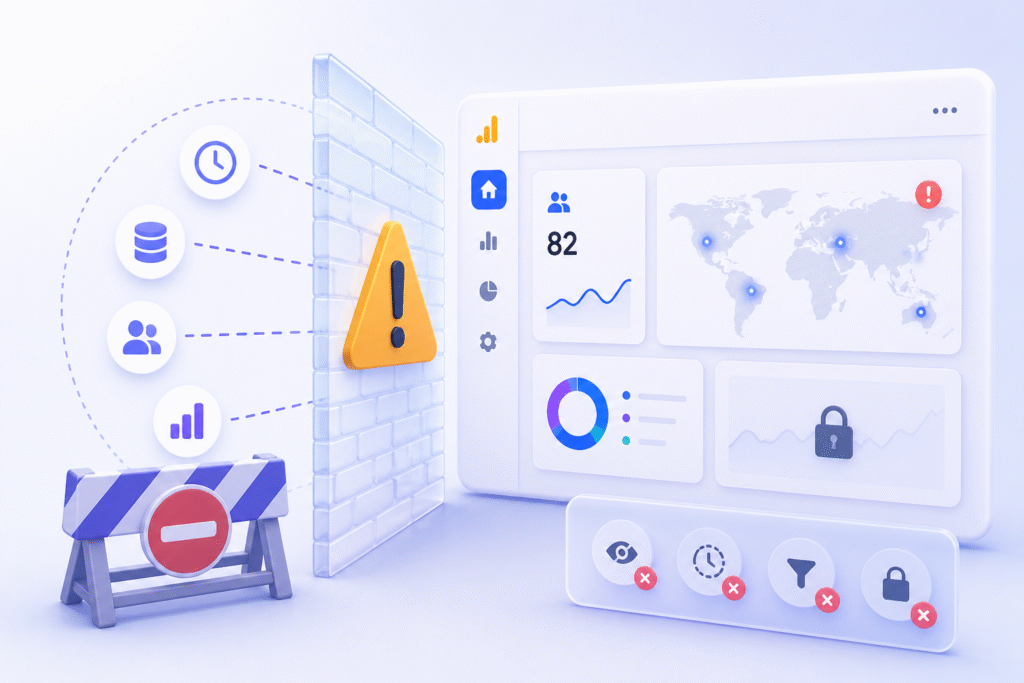
Real-time magic has its limits. Google Analytics 4 shines for “now,” but don’t expect miracles. Data isn’t instant; expect 20-30 second delays for standard processing, sometimes longer during traffic surges. That’s your first boundary.
Key constraints hit hard:
- No historical data: 30-minute window max (60 for 360). Yesterday’s trends? Look elsewhere.
- Sampling risks: High traffic triggers approximations. Exact counts vanish above millions of events.
- Bot noise: Crawlers inflate “users now.” Cross-check with standard reports for truth.
- Metric gaps: No custom dimensions by default. Limited ecomm breakdowns. No user-level paths.
These aren’t deal-breakers. Just plan around them; use real-time for signals, not gospel. 2026 docs confirm: stability over perfection.
Practical Use Cases
Real-time reports aren’t theoretical. They solve real headaches. Picture running a fast 24-hour sale; watch traffic explode, pinpoint drop-offs, and tweak ads live. That’s the power.
Here’s where they deliver:
- Campaign monitoring: Launch a paid ad on Google Ads or Meta Ads? See clicks turn to visits instantly. Which creative wins? Kill the losers fast.
- Debugging tags: Form not firing? Event missing? Spot it with DebugView or tools like Google Tag Manager before customers rage-quit.
- A/B testing: Are users hitting Variant B more? Validate hypotheses on the fly, no waiting 24 hours.
- Traffic spikes: Viral post? Server crash? React before Google ranks you down.
- Conversion hunting: Checkout completions ticking up? Double down on what’s hot.
Marketers swear by it for urgency. Devs for fixes. Not daily bread-and-butter, but clutch moments. Pair with standard reports for the full story.
Server-Side Tracking for Enhanced Accuracy
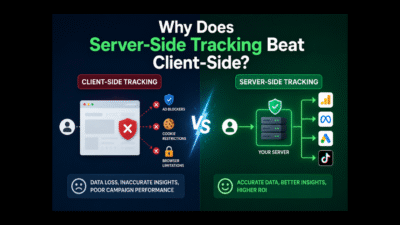
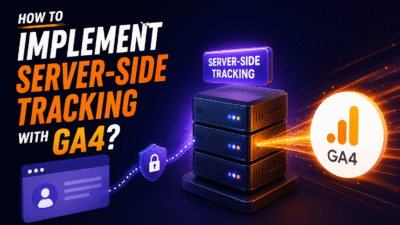
Cookie consent walls, Consent Mode, and ad blockers? They choke client-side tracking. Enter server-side tracking with the Google Tag Manager Server; route data through your server first. GA4 real-time now gets cleaner, more reliable signals throughout the measurement data pipeline. No more 50% dropouts.
Why it fixes real-time woes:
- Bypasses browser limits: First-party cookies and first-party data, privacy-first. Works when JavaScript fails.
- Reduces bot noise: Server filters junk before it hits GA4. Cleaner “users now.”
- Faster, fuller events: Captures post-consent actions. See conversions that client-side misses.
Quick setup with tools like CustomerLabs: Spin up a server endpoint. Forward GA4 hits via the Google Analytics Measurement Protocol. Map parameters. Test in the real-time dashboard. Boom; live data flows truer. Marketers gain trust. 2026 still recommends it for high-stakes sites.
Not a must for everyone. But if accuracy’s your game, level up here. Pairs perfectly with native real-time for the win.
API and Custom Reporting Options
Want real-time data outside the dashboard? The Google Analytics Data Application Programming Interface (API) lets you pull live metrics programmatically. Developers, this is your playground; you are free to build custom dashboards, alerts, BigQuery integrations, or apps running on Google Cloud Platform that refresh every 60 seconds.
Strategic Assets:
- Real-time endpoint: You can instantly view active query users, events, and conversions within the 30-60 minute window.
- Supported dimensions/metrics: Settings allow you to see the country, page path, event name, and device category. Up to 10 dimensions per request.
- Quotas: 1,000 requests/hour free tier. Scales with 360 properties. No sampling for small volumes.
Perfect for Slack bots (“Alert: 500 users now!”) or BI tools. Limits? Same as UI; no history, potential delays. Docs confirm it’s stable in 2026. Start here: developers.google.com/analytics/devguides/reporting/data/v1
Recent 2026 Developments
GA4 real-time reports? Rock solid in 2026. No earth-shattering overhauls. Google focused betas on cross-channel attribution modeling, and AI predictions are happening elsewhere. Real-time has remained the reliable workhorse we know.
What’s confirmed fresh:
- Window stability: Still 30 minutes standard, 60 for 360; no extensions announced.
- Insights cards refined: Smoother visuals, better mobile view. Minor UI tweaks only.
- Data freshness tweaks: Updates in data are faster now, with the average waiting time holding at 20-30 seconds. High-volume sites see parity improvements.
- No disruptions: January updates bypassed real-time entirely. Your workflows? Untouched.
Experts like MeasureU note zero breaking changes since late 2025. Use it confidently. Watch Google’s “What’s New” for future nudges, but don’t hold your breath. Reliability wins, but only if you keep pace with API changes.
Best Uses and Optimization Strategies
Real-time reports excel when paired smartly. Don’t solo them; combine with standard reports for context. Here’s how you can squeeze the max value:
- Live campaign cockpit: Want to launch ads? Watch sources → pages → events flow. Pivot budgets hourly.
- Looker Studio dashboards: Embed real-time cards. Share team views. Refresh every minute for exec briefings.
- Alert workflows: Hit 1,000 users? Slack notification via webhook or API. Never miss spikes.
- Cross-check habits: Does real-time screaming mean “bot alert”? Verify in acquisition reports 24 hours later.
- Mobile-first tweaks: Device splits live? Optimize CTAs on the fly for phone users.
Optimization tips: Keep events lean (under 500 types). Test server-side for cookieless futures. Refresh manually during peaks. Marketers win by acting fast, not obsessing over perfection. This combo turns data into dollars.