

Have you ever stopped and thought about what is happening to businesses of all sizes? Why are they still asking how much GA4 implementation costs? Since Google Analytics 4 (GA4) has replaced Universal Analytics, it has become the go-to tool for tracking website traffic, user behavior, and conversions. This platform is free for you to use, but it can get pricy to get it up and running quickly. Especially when you add custom setups like Google Tag Manager (GTM) or server-side tagging.
Table of Contents
- Introduction
- GA4 Standard
- Google Analytics 360 Pricing
- DIY Implementation
- Freelancer Rates for GA4 Setup
- Agency Pricing Tiers
- Factors Affecting GA4 Implementation Cost
- Additional Costs
- Cost-Saving Tips and When to Invest
The truth of the matter is that GA4 implementation cost is not a one-size-fits-all number. It totally depends on your approach. If you decide to do a simple DIY setup, it might cost you nothing at all but your time. However, if you hire an agency for advanced Google Analytics 360 features, it can cost you tens of thousands.
According to a recent guide, it is visible that freelancers are charging $50-$150 per hour. And as for the agencies, their charges are starting at $2500 per project. Enterprises are charging a huge number for plans like GA4 360, hitting $50,000 annually.
So, let’s move further and learn together the options we have. From free options to hidden fees like BigQuery exports, decide what is worth our budget. Be it a small business or a marketing lead optimizing for General Data Protection Regulation compliance.
GA4 Standard
It is true for most businesses: Google Analytics 4’s standard version is genuinely free. In this free version it covers basic GA4 implementation without any subscription fee. By using Google’s official help guide, you can easily set it up. It will simply walk you through the steps, which are actually simple, by the way, and no credit cards are required.
Although free, it does come with practical limits, evidently. You will have 10 million hits per month, and the basic reporting might not cut it for high-traffic sites or complex needs. If your business is small to medium and is tracking website traffic and user behavior, this tier will handle Google Tag Manager (GTM) integration smoothly. And it will keep your GA4 implementation cost at zero beyond your time.
There are also many e-commerce brands that are using platforms like Shopify. This is a kind of platform that requires more advanced configurations. These include enhanced e-commerce tracking required for product views, add-to-cart actions, checkout steps, and the final step: purchase.
For many users, this is the perfect approach. However, if you wish to scale up or need advanced features like unsampled reports, you will have to loosen your pockets a bit.
Google Analytics 360 Pricing
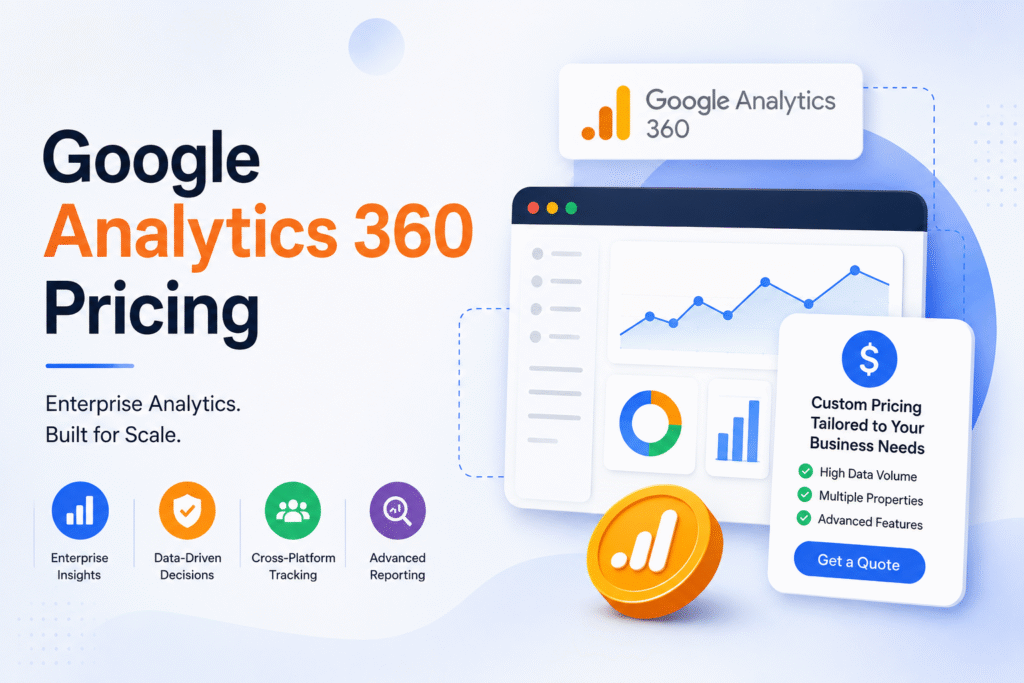
When you are done with free GA4 standards and wish to add more features, Google Analytics 360 is the one you will move up to. It will provide you higher data limits, unsampled reports, and BigQuery integration.
Only the entry price will be around $50,000 per year. But this price will scale based on your data volume and will hit this price when your monthly visitors are above or exactly 1 million. As for agencies, this tier suits e-commerce giants or high-stakes data analytics operations. The organizations that require real-time insights without sampling hiccups.
And it is not even about simple tags; GA360 bundles SLAs, data deletion controls for GDPR compliance, and custom funnels that justify the investment for serious players. Although there are many SMBs who won’t even touch it.
DIY Implementation
When you opt for DIY implementation, it keeps you at zero costs and is perfect for bootstrapped teams that are comfortable with tech. It will take more than a few hours; it might take days to add the GA4 tracking code via Google Tag Manager (GTM), test events, and verify data flow. With the help of Google’s setup guide, you will get a simple and straightforward process for websites and apps.
To make the process simpler, there are tools that can help you verify whether the tags, events, and conversions are firing correctly. And the name of the tool is Tag Assistant. This tool will ensure that the events are firing correctly during the setup process.
But time equals money. Taking 10-40 hours factoring in your hourly rate, that can take up to ₹500-₹2000 for Indian marketers. Additionally, there can be hidden expenses, such as adding premium GTM templates or debugging tools. There are many who might overlook this learning curve where, while they add custom events or server-side tagging, they learn something valuable. However, overlooking this, they turn “free” into a week-long project that delays data analytics insights.
This works well for solopreneurs or small sites if you are tracking basic user behavior and conversions. But, if you wish to scale up your addition, they will add on a good number of costs.
Freelancer Rates for GA4 Setup

If you wish to not spend a lot on agency and don’t wish to work on DIY saving, hiring a freelance GA4 expert is the perfect choice. As the rates will typically be ranging between $50 and $150 per hour, it will depend on experience and location.
There are many certified pros on platforms like Upwork who charge $500-$3000 for full GA4 implementation projects. In their package, they cover Google Tag Manager (GTM) setup, event tracking, and basic testing. And these are great for SMBs who need quick wins without any long-term commitments.
You can smartly grab skilled talent in regions like India at the lower end, like ₹4000-₹12000 per project. Which simply means you will blend cost-efficiency with expertise in data analytics and server-side tagging.
It is a good thing you are opting for this option, but be careful while choosing the right freelancer for your project. Check their portfolio rigorously, because if they have no clue what they are doing, you might end up paying more than you initially planned for.
Agency Pricing Tiers
To get everything handled perfectly, opting for an agency is the best choice. They have a great expertise in Google Tag Manager (GTM), custom events, and server-side tagging. And the price for these starts from $2500 for any basic setups. And for a complex migration, the agency can take $25,000 or more.
In this package you will get audits, ongoing support, and integrations like BigQuery or e-commerce tracking. And this altogether makes agencies worthwhile for any mid-sized business that needs high website traffic or GDPR compliance handled perfectly. As the market has gained high levels, an Indian agency might offer competitive rates starting at ₹2 lakh for tailored data analytics strategies.
Adding to this package, there are many agencies that integrate with Google Ads and Google Search Console. With this service, they also integrate with the reporting dashboards in Looker Studio as a part of their GA4 implementation package.
It is better to choose this instead of DIY if you feel it to be risky. Because agencies might be costly, but they do minimize errors. However, don’t blindly pay high prices for a simple site; do thorough research and choose the perfect GA4 implementation cost that matches you.
Factors Affecting GA4 Implementation Cost
There are several factors that can be the reason for your GA4 implementation cost. If your site is simple, the pay will be less. But if it is a complex e-commerce setup with custom needs, the cost will be higher.
| Factor | Description | Cost Impact |
| Website Complexity | Basic Blogs vs. e-commerce with funnels and events | Low ($0-$2) to High ($10k+) |
| Data Volume & Features | Standard GA4 limits vs. Google Analytics 360 or BigQuery exports | Free tier to $50k+/year |
| Business Size/Location | SMBs using local freelancers vs. US enterprises | ₹2k-₹2L (India) vs. $5k+ (global) |
| Timeline & Urgency | Standard 2-4 weeks vs. rush jobs | Base rate to 2x multiplier |
| Compliance Needs | Basic tracking vs. GDPR-ready server-side tagging | +20-50% for privacy features |
To refine your budget, you can simply use Google Tag Manager (GTM) for expertise gaps or ongoing support. For smarter spending, you must match these to your data analytics.
In addition to this, there are projects that often require a custom data layer or cross-domain tracking, and that too across multiple websites. And this includes additional development and QA efforts that, in turn, increase the overall implementation cost.
Additional Costs
Even after you have planned for core GA4 implementation, there are ways that might add up to your costing. Even the extras like BigQuery exports can cost $100-$1000 per month if you have heavy data users that are querying raw GA4 events beyond free tiers.
There are also few server-side tags, like KEY for GDPR and CCPA compliance, that can cost $1000-$5000 in setup. Because all this setup is done via cloud servers or platforms like Stape. Plus, there is an additional cost for ongoing hosting fees to protect first-party data in a cookieless world.
Additionally, there may also arise a need for Consent Mode Implementation for the businesses that are operating in the regulated markets. With this tool, the businesses will support privacy-compliant measurement and also the user consent management.
You will gain unlimited containers and SLAs with GTM 360 tied to Google Analytics 360, but it will cost $50k+, and that too annually. Hence, if you are not an enterprise-scale business with a massive website, you must skip it.
Cost-Saving Tips and When to Invest
If you plan to follow a smart budget process, from the start you must use free GA4 resources. You can take help from Google’s official setup guides and community templates. With this, you can easily handle basic Google Tag Manager (GTM) yourself, and that too is free of cost.
Then when you move upward, look for freelancers from platforms like Upwork for mid-tier needs like event tracking. Hiring agencies for the same task will cost you a lot, so you will save 50-70%, and you will get a certified data analytics expert. And that is cost-effective in India at ₹4000-₹12000 per project.
Only when you reach your free limits or the GDPR compliance demands server-side tagging must you invest in pros. And if not, DIY is the best. It will keep your GA4 implementation cost near zero and will not even sacrifice core user behavior insights.